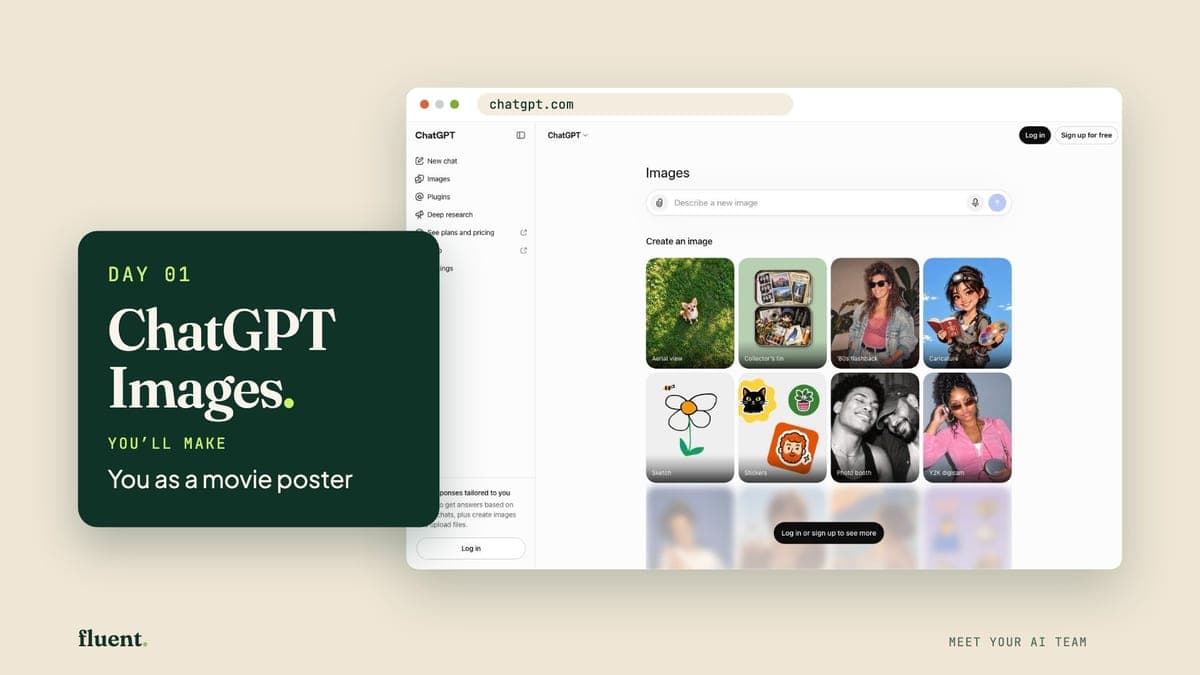
Day 01 · Wow
FreePhone
ChatGPT Images: your poster artist
You as a movie poster
ChatGPT is a chat app from a company called OpenAI. It also makes pictures: you describe one in plain words, and it draws it.
About 15 minutes a day with a real AI tool, and something you made to show for it. No experience needed.
Days 1 to 3 are free. No card.

Day 01 · ChatGPT Images
You as a movie poster
The tools you'll meet


Your name, your job and your town. Your first prompt rewrites itself while you watch. (A prompt is what you type to ask an AI for something.)

A short lesson, one ready-made prompt, about 15 minutes. The next day opens when you finish, so you set the pace.

A poster, a song, a plan, a live website. Send it to a friend, post it with #MyAITeam, or keep it to yourself.
The 30 days
Day 01 · Wow
ChatGPT Images: your poster artist
ChatGPT is a chat app from a company called OpenAI. It also makes pictures: you describe one in plain words, and it draws it.

Day 02 · Wow
Gamma: your slide-maker
Gamma is a website that makes slides. You describe your talk in a sentence or two, it shows you a plan, and then it builds the slides, pictures and all.
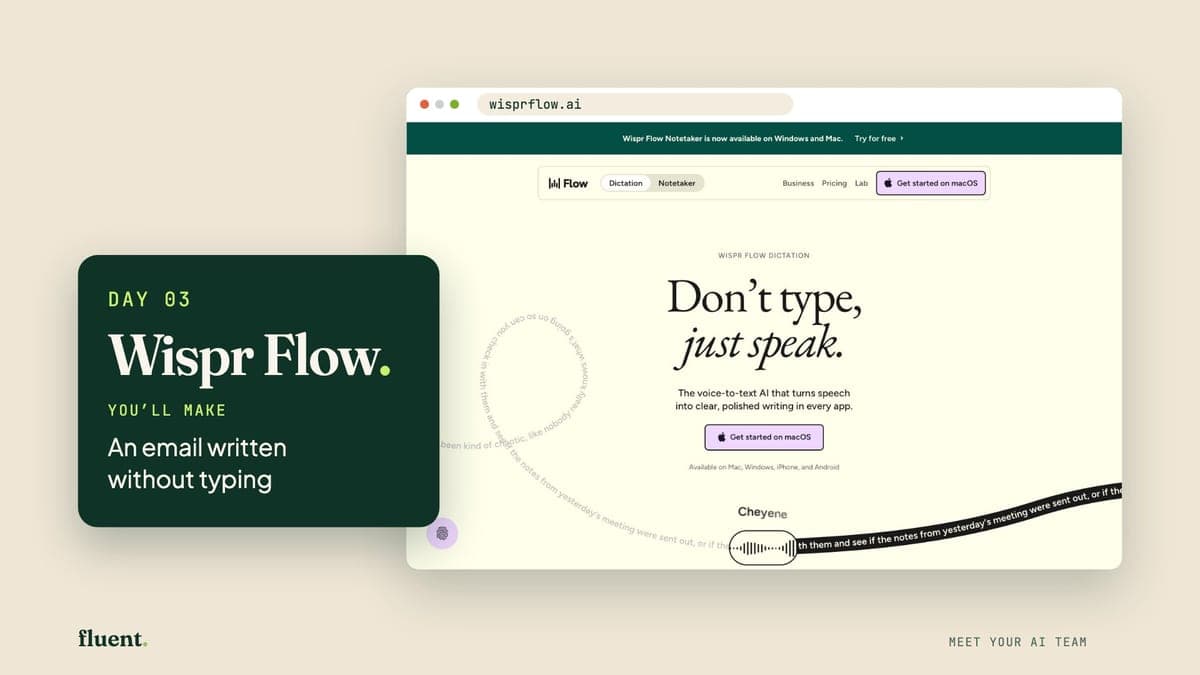
Day 03 · Wow
Wispr Flow: your hands-free typist
Wispr Flow is a dictation app. On an iPhone it adds a keyboard with a microphone: you talk, and it types your words into whatever you're writing, such as an email.
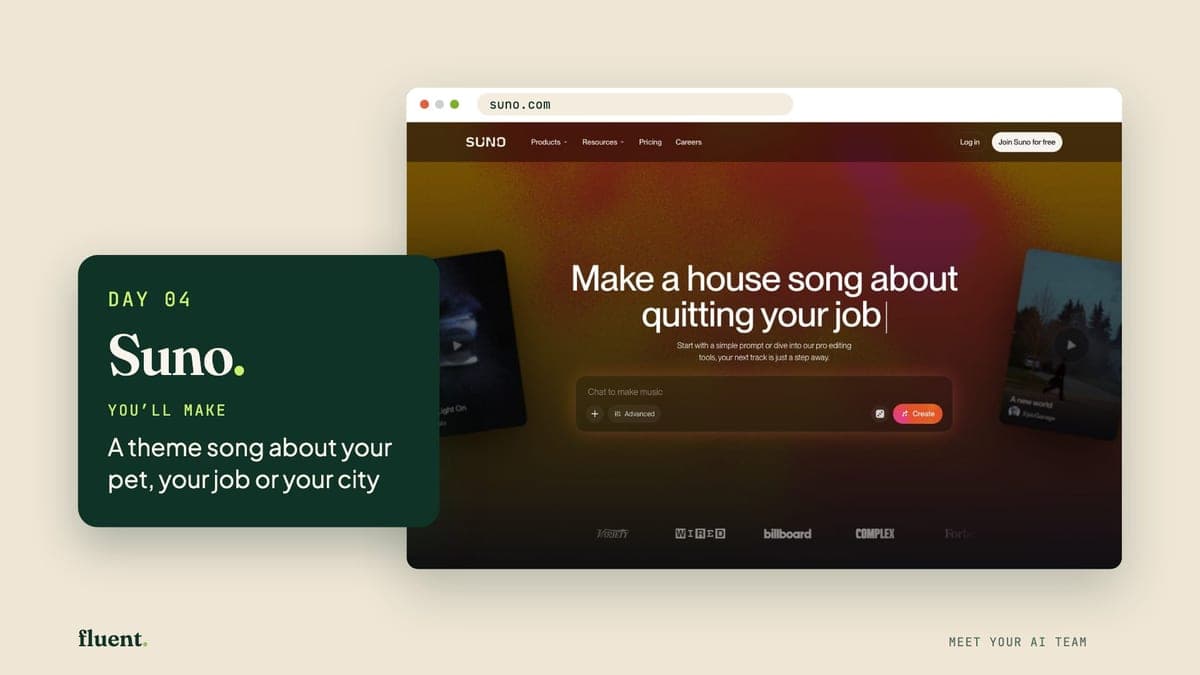
Day 04 · Make
Suno: your songwriter
Suno is a website that makes songs. You describe a song in one sentence, and it writes the words, makes the music and sings it.
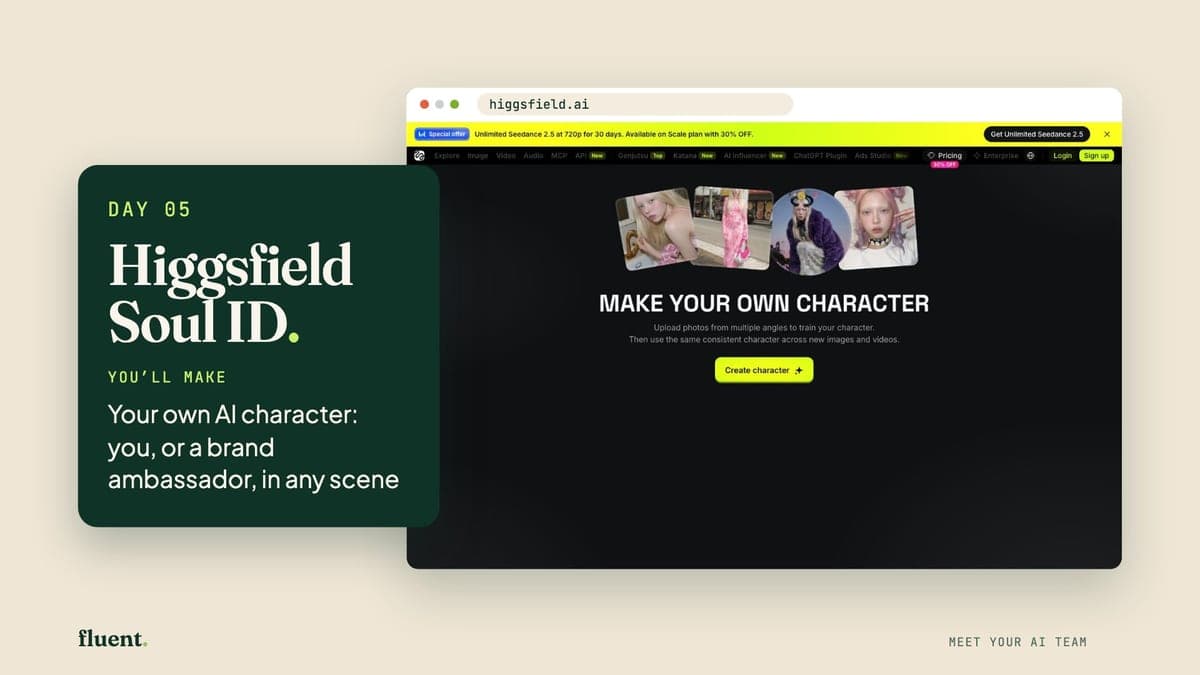
Day 05 · Make
Higgsfield Soul ID: your character studio
Soul ID is part of Higgsfield, a paid website for pictures and video. Give it 20 or more photos of one person and it makes a character: that person, ready to reuse.
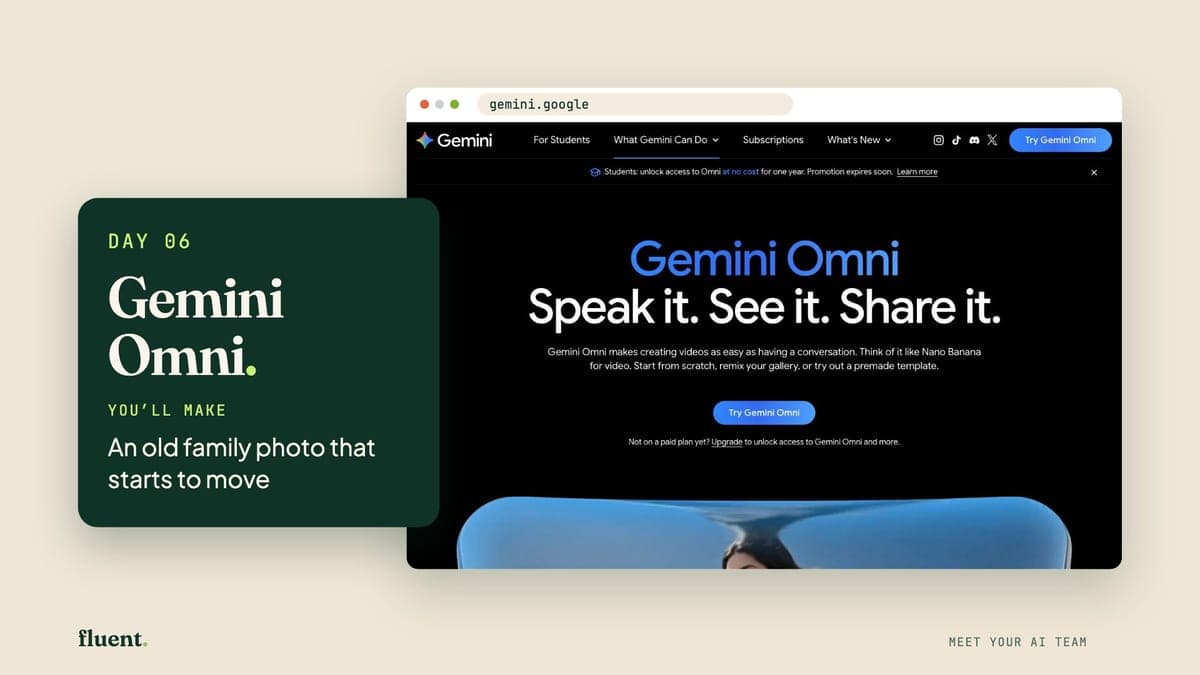
Day 06 · Make
Gemini Omni: your photo animator
Gemini Omni is Google's video-maker. Give it a photo and a few plain words, and it makes a 10-second clip. It can add sound too. Today you'll use it inside Google Flow.
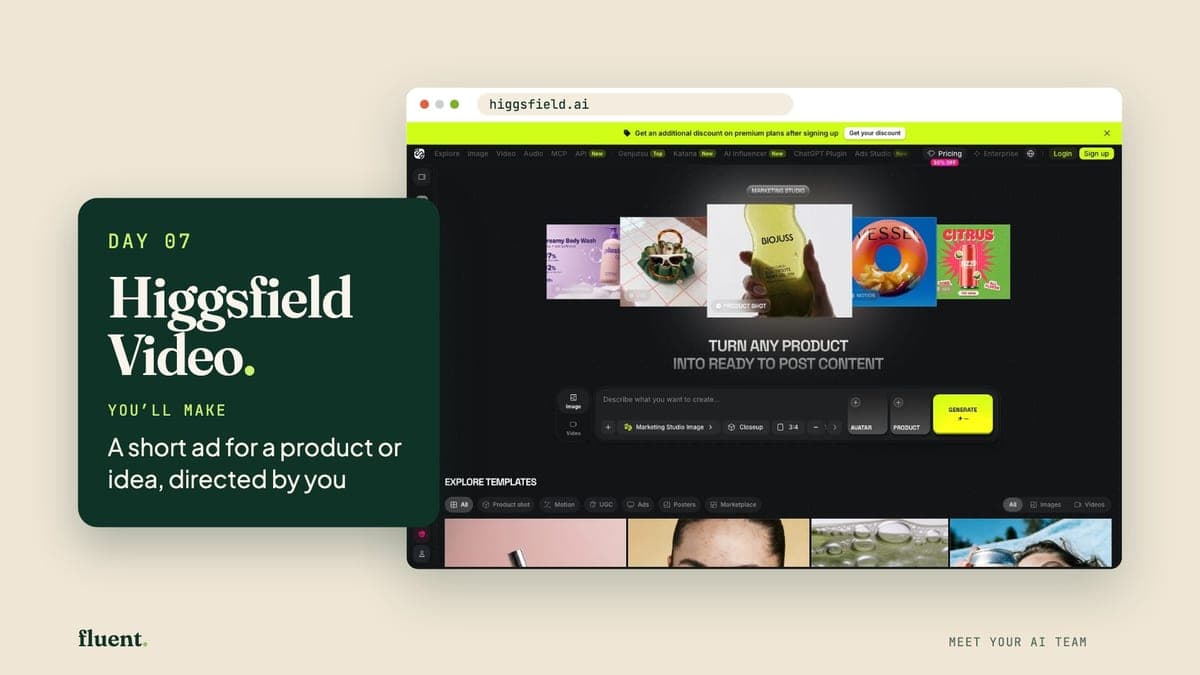
Day 07 · Make
Higgsfield Video: your advert crew
Higgsfield is the paid website from Day 5. Its Marketing Studio turns one product photo, or a link to a product page, into a short advert clip.
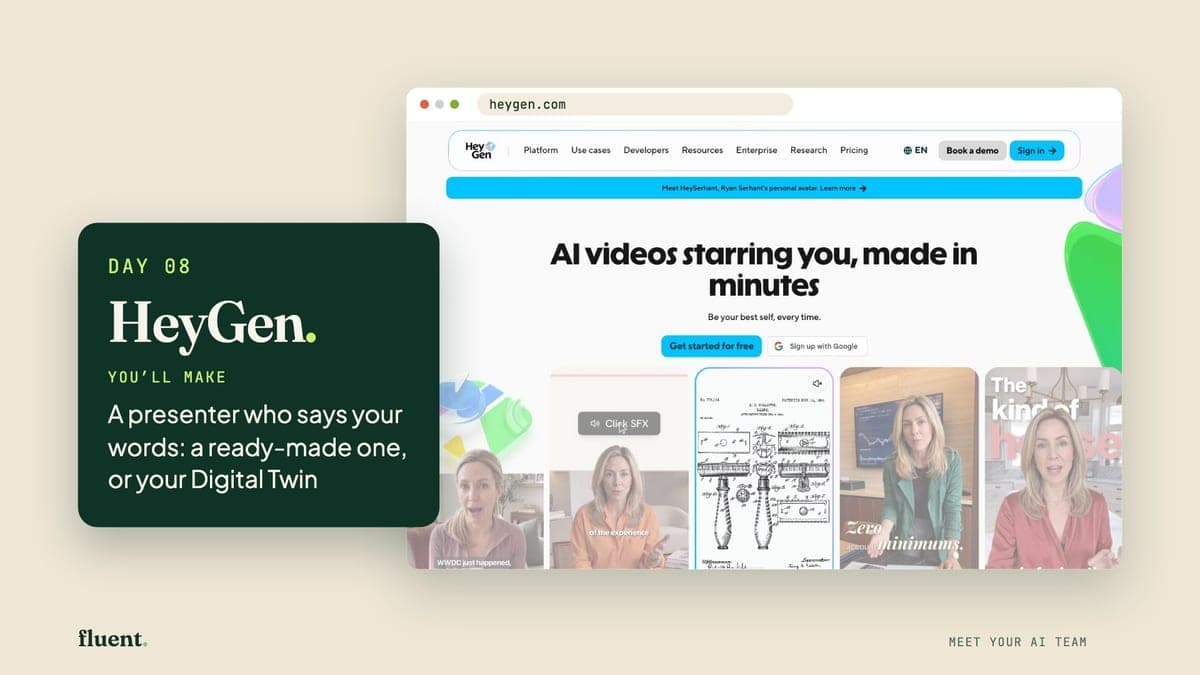
Day 08 · Make
HeyGen: your on-screen presenter
HeyGen makes videos of a person talking to the camera. You type the words, and an on-screen presenter, called an avatar, says them.
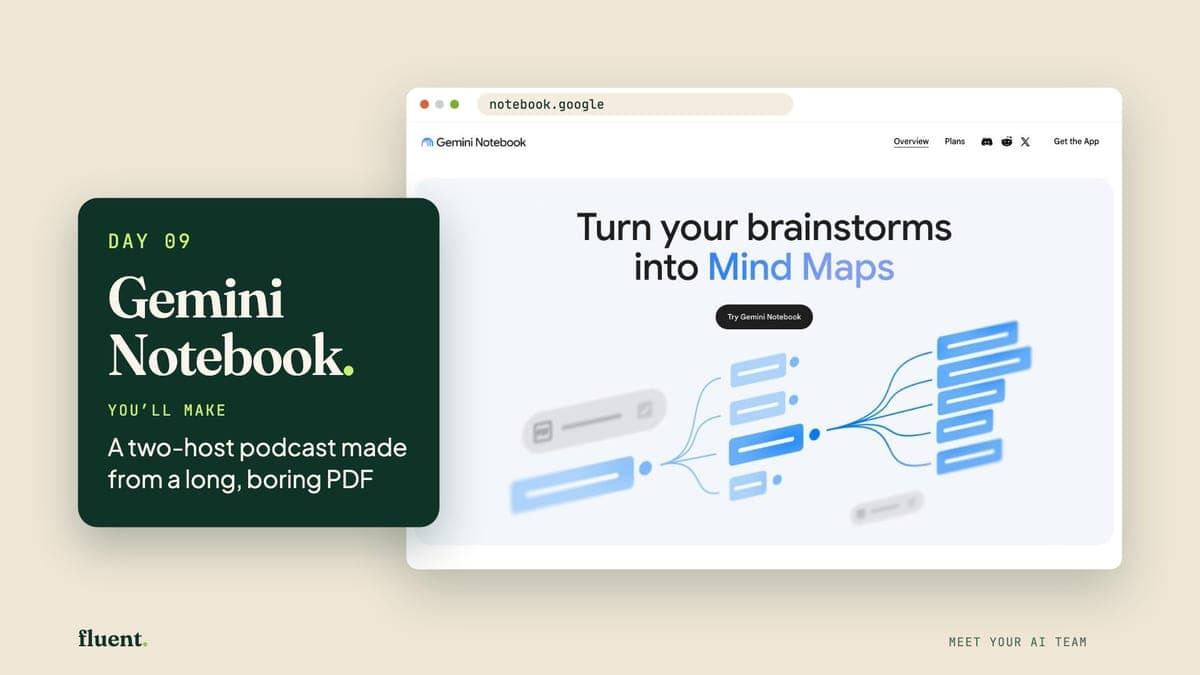
Day 09 · Make
Gemini Notebook: your document explainer
Gemini Notebook is a free Google tool for long documents. Give it a PDF and it answers questions about it, or turns it into a podcast: a radio-style chat you can play.
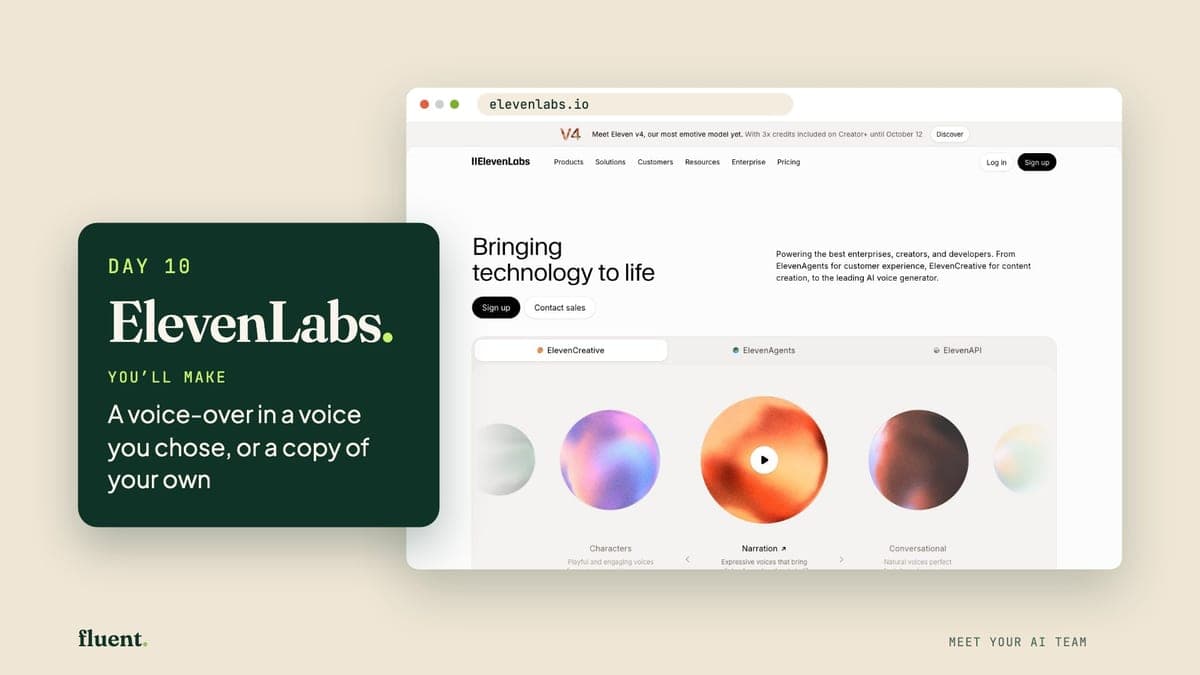
Day 10 · Make
ElevenLabs: your voice-over studio
ElevenLabs is an AI voice studio. You type words, choose a voice from its library, and it reads them out loud with the pauses and feeling of a real person.
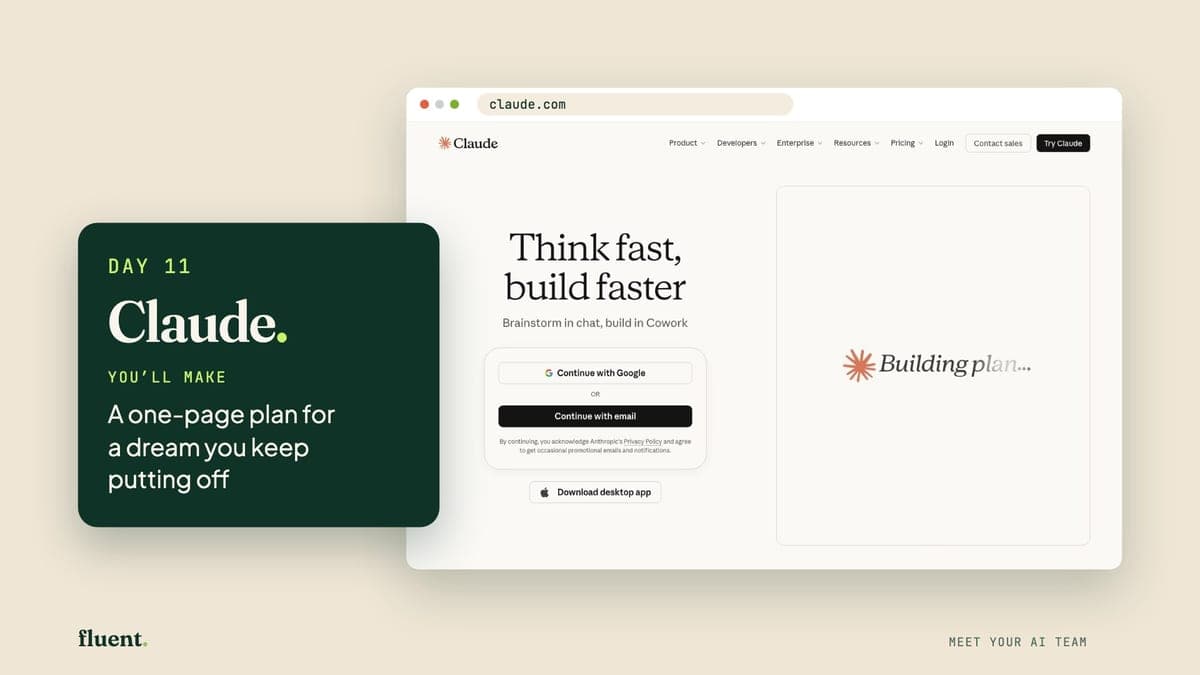
Day 11 · Think
Claude: your thinking partner
Claude is an AI assistant from a company called Anthropic. It's good at thinking a problem through with you, then writing it up as a tidy page or a set of slides.
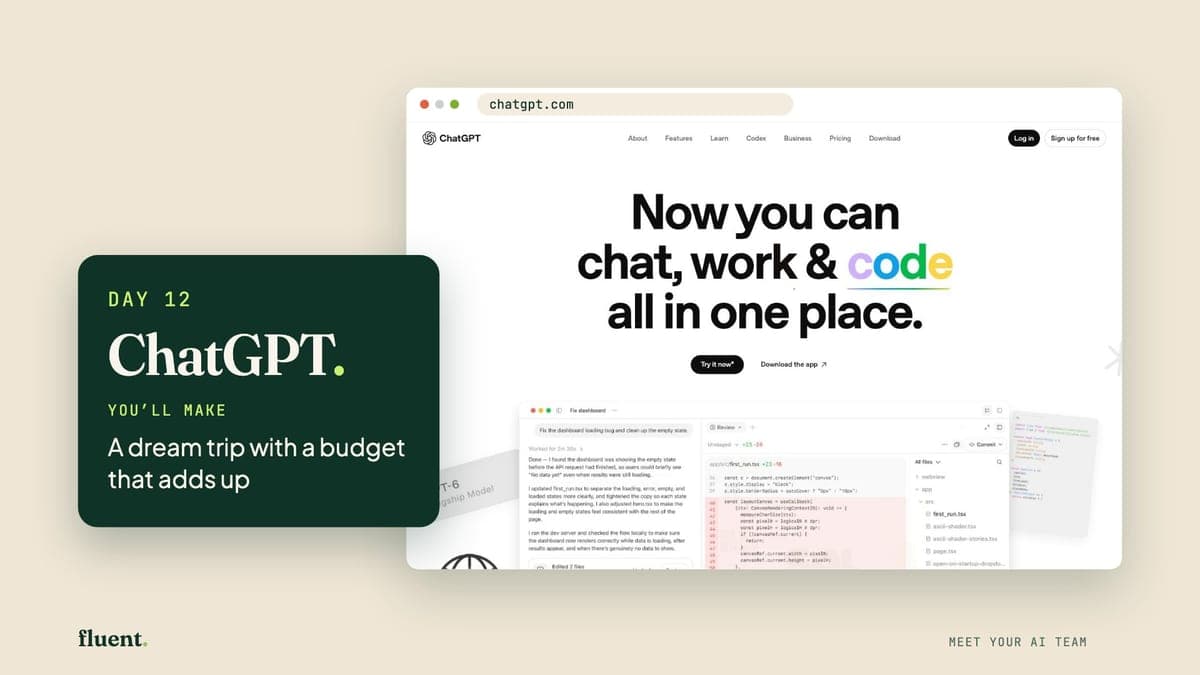
Day 12 · Think
ChatGPT: your all-round planner
ChatGPT is the AI assistant you met on Day 1. Today it plans and does the sums. Its answers can now include parts you tap and change, like a small calculator.
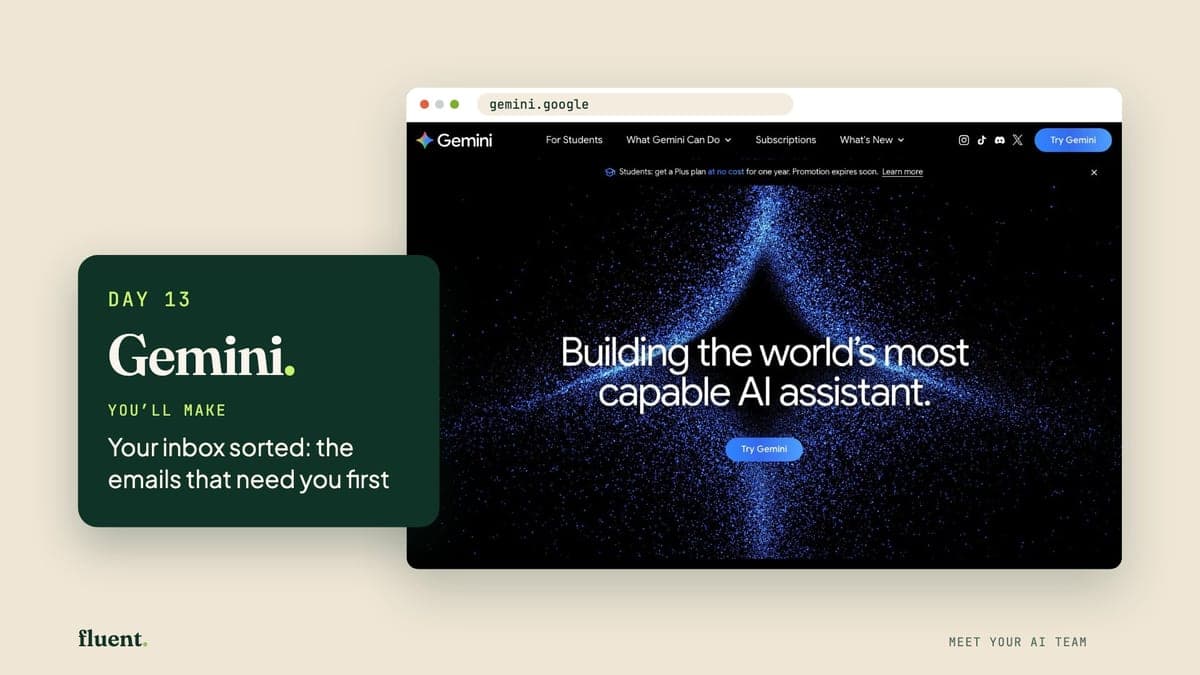
Day 13 · Think
Gemini: your inbox sorter
Gemini is Google's AI assistant. Because Google makes it, it can read your Gmail and answer questions about your email, once you say yes.
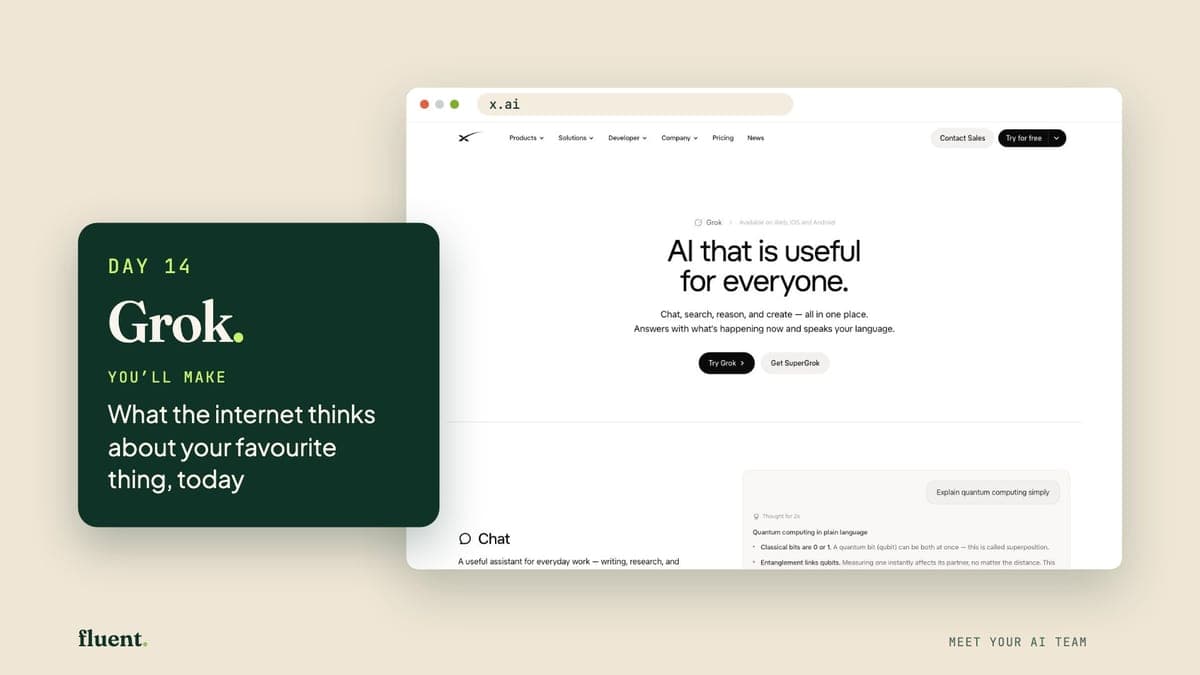
Day 14 · Think
Grok: your real-time scout
Grok is an AI assistant from a company called xAI. When you ask, it can search the web and the public posts on X, the social network once called Twitter.
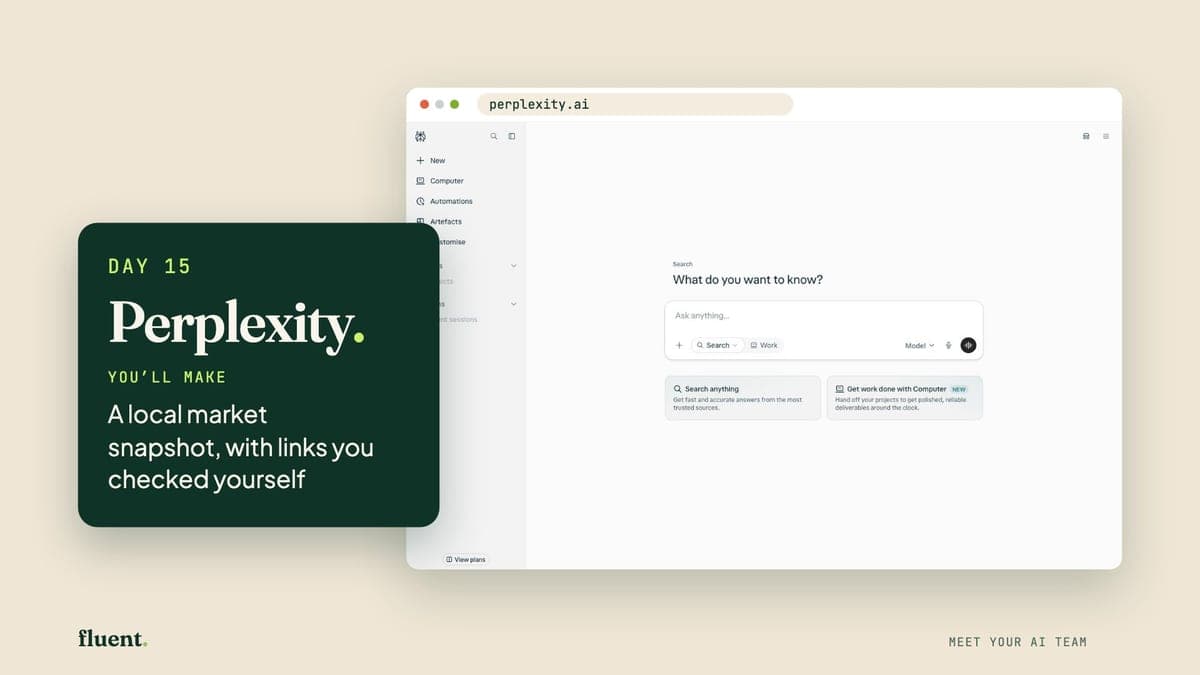
Day 15 · Think
Perplexity: your research librarian
Perplexity is a search tool that answers in full sentences and puts links beside its claims, so you can see where a fact came from.
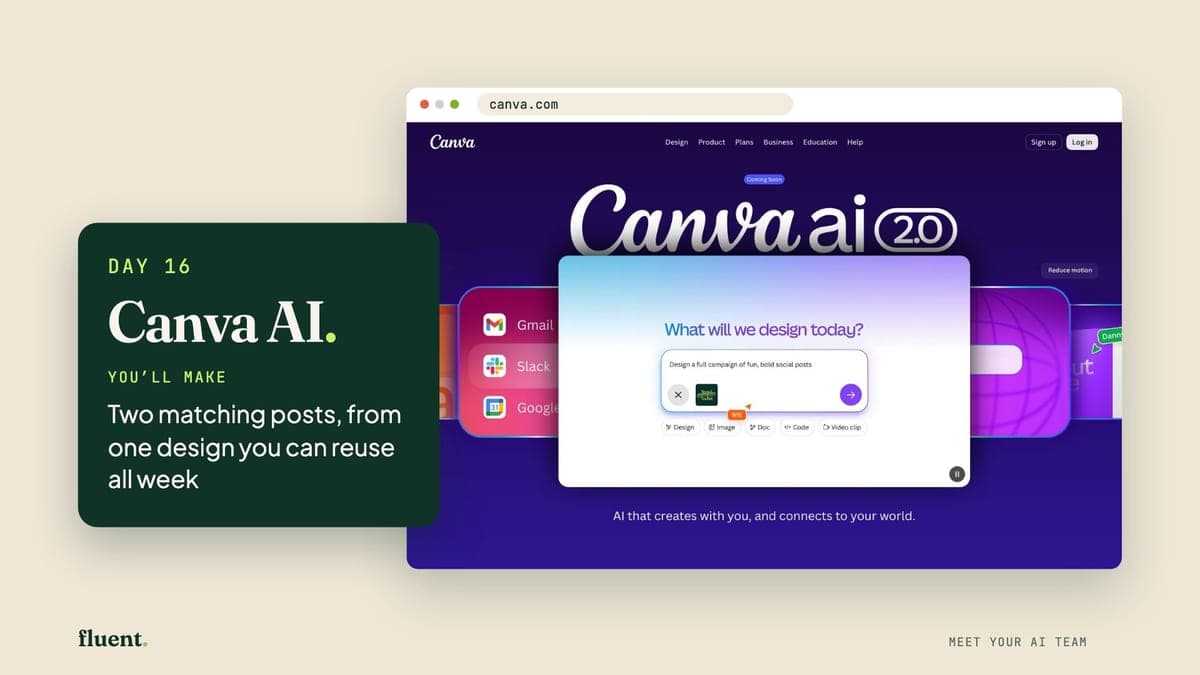
Day 16 · Work
Canva AI: your graphic designer
Canva is a design website for posts, posters and notices. Canva AI is the helper inside it: you describe a design in plain words, and it makes one you can edit.
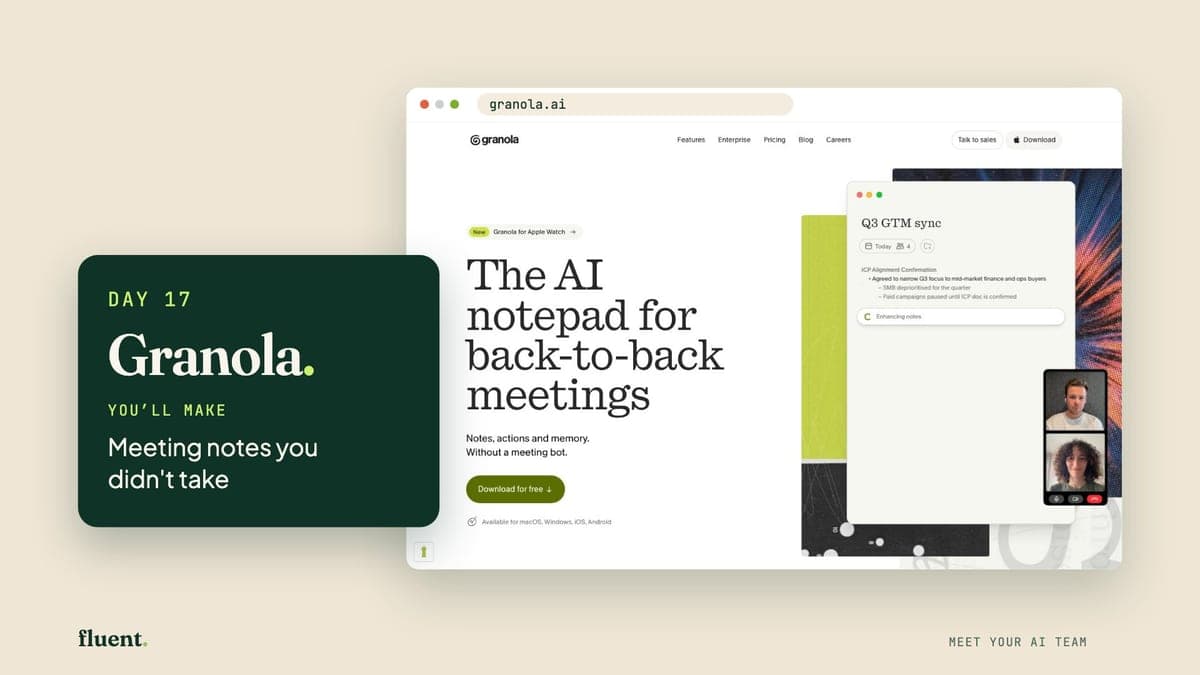
Day 17 · Work
Granola: your quiet note-taker
Granola is a note-taker for meetings. It listens through your laptop, writes down what's said and turns it into tidy notes. No extra name appears on the call.
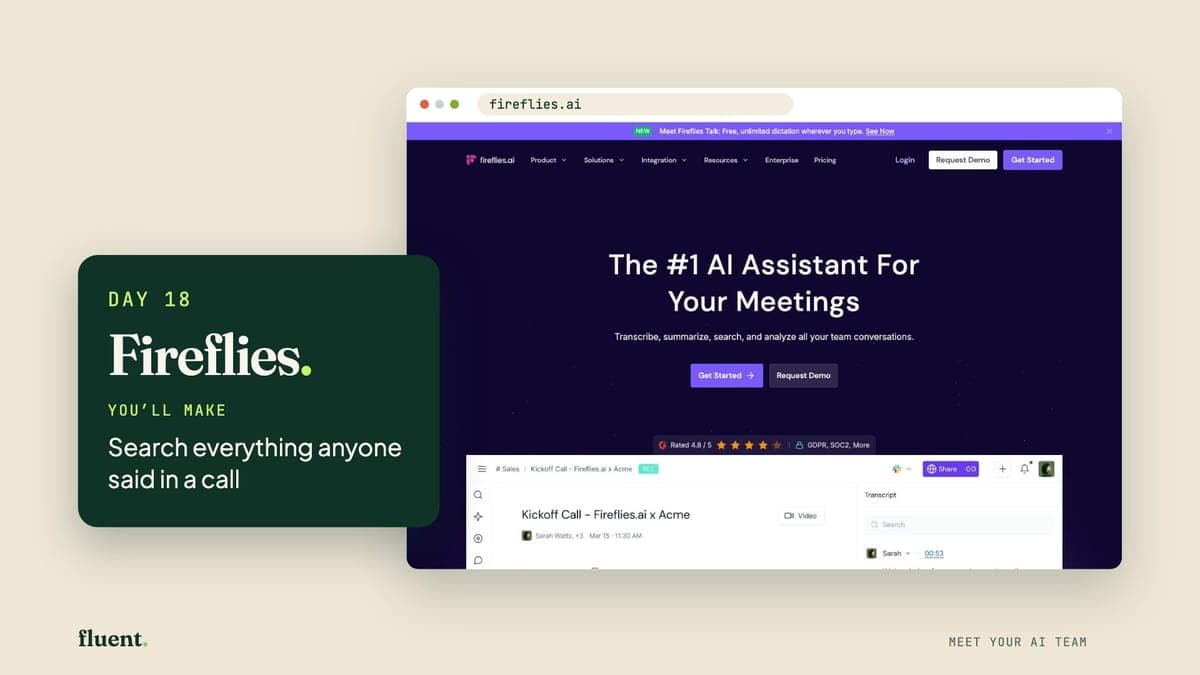
Day 18 · Work
Fireflies: your team's call recorder
Fireflies records your calls and writes them up. Its notetaker joins a Zoom, Google Meet or Teams call as a guest, then gives you a transcript you can search by word.
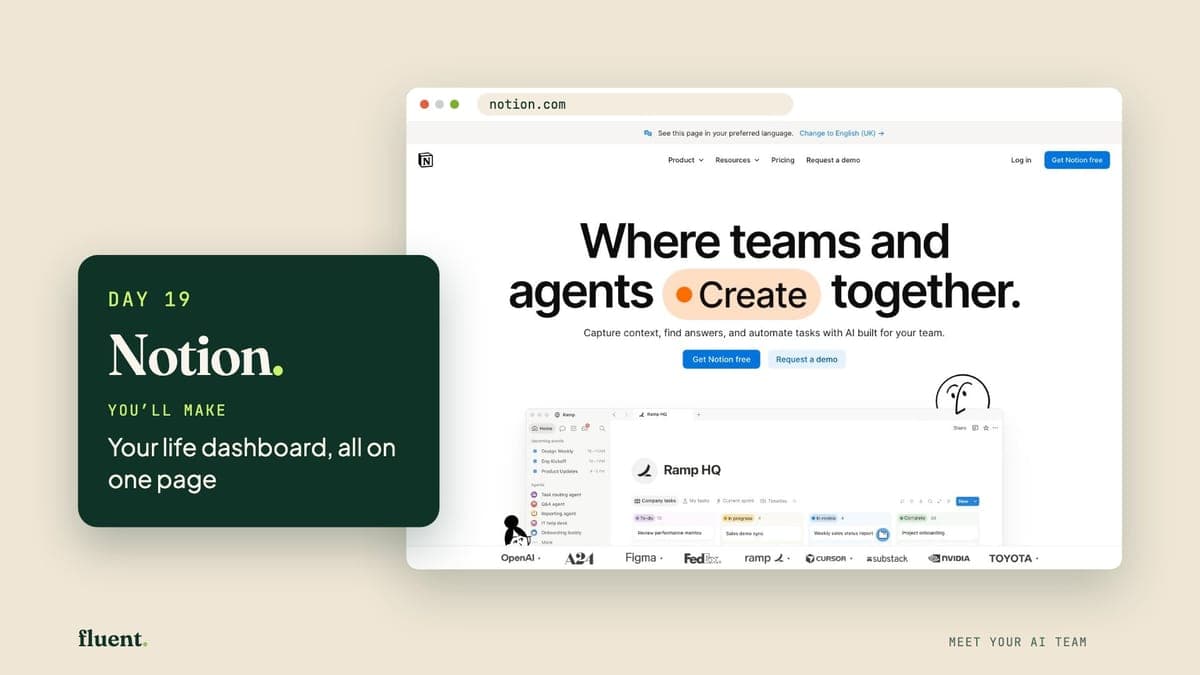
Day 19 · Work
Notion: your personal organiser
Notion is a website for notes and lists. You fill its pages the way you'd fill a notebook, and its built-in AI can write a first version of a page for you.
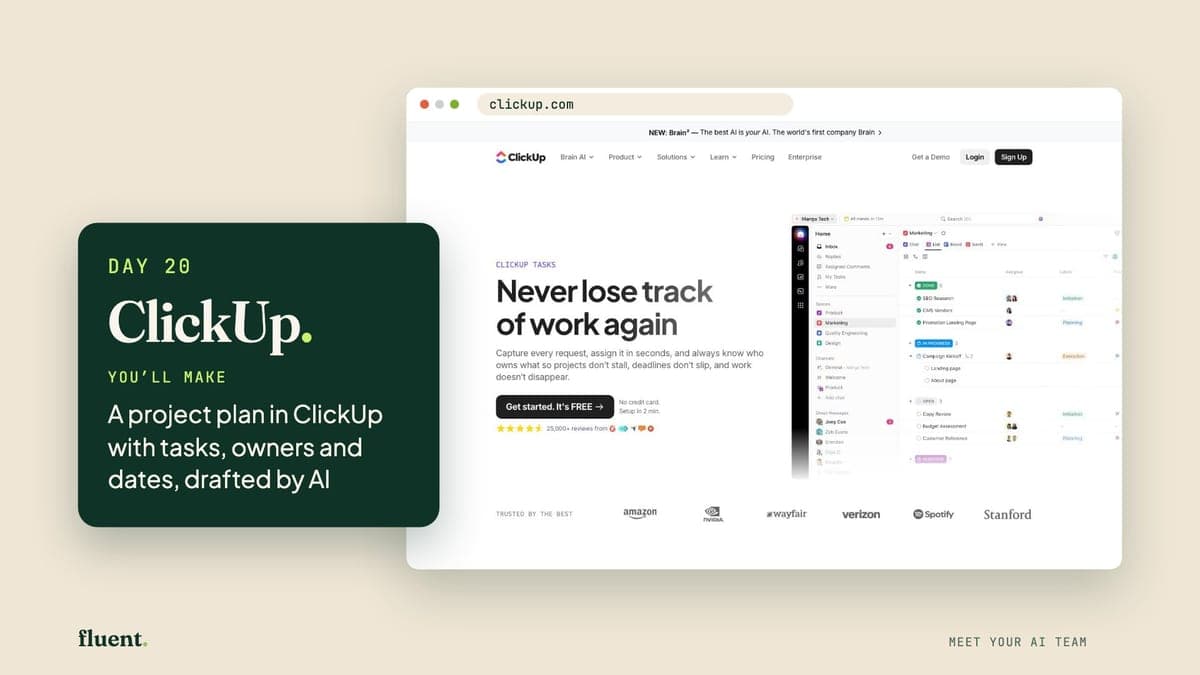
Day 20 · Work
ClickUp: your project coordinator
ClickUp is a website for running a project: every job in one list, with who does it and by when. ClickUp says its built-in AI, called Brain, can write that list for you.
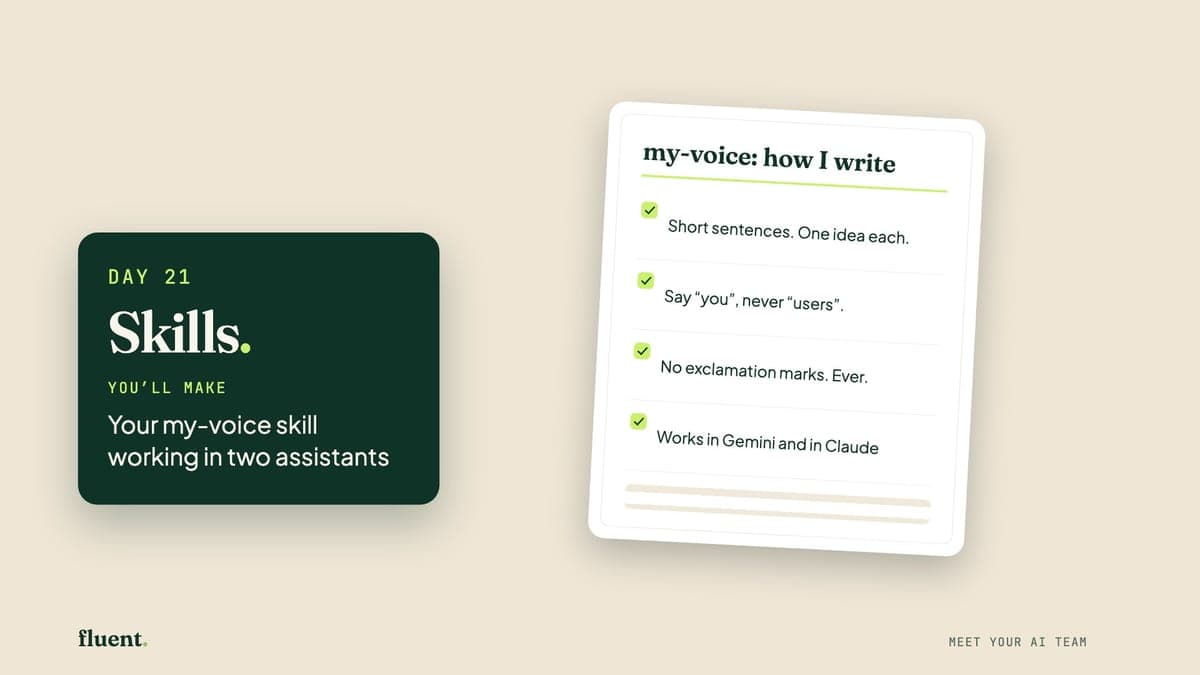
Day 21 · Work
Skills: your ai team's handbook
Skills are short text files that teach an AI assistant how you like a job done. No single company owns the format, so one skill can be used in Claude, Gemini and more.
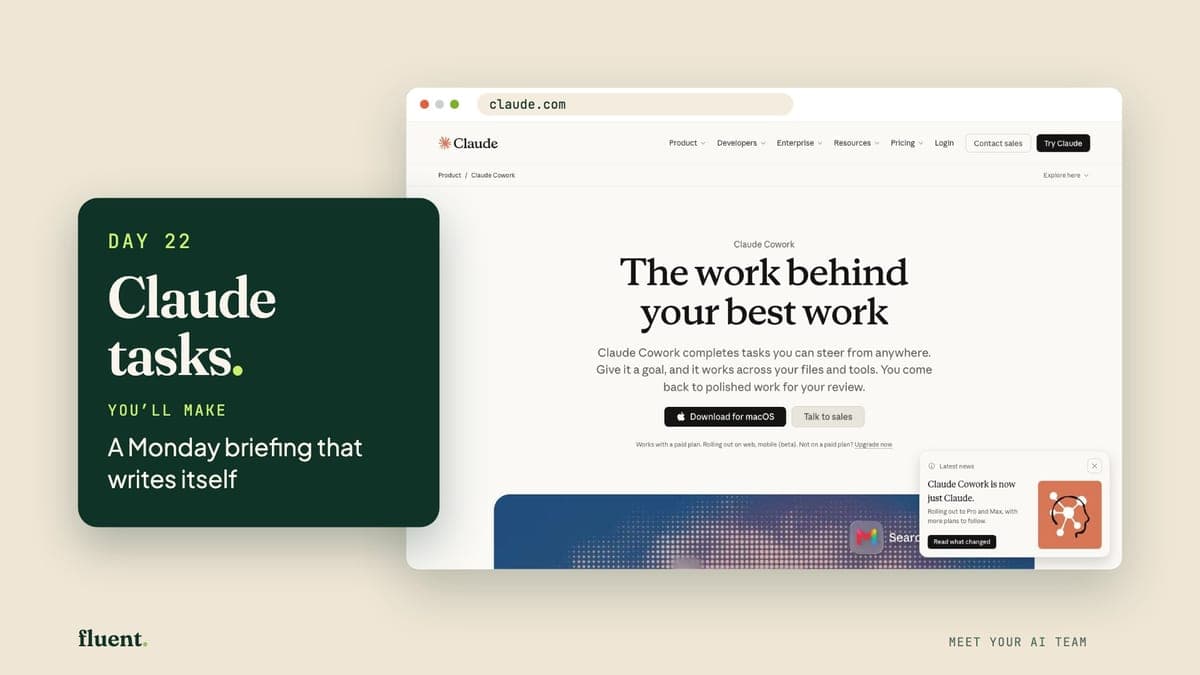
Day 22 · Delegate
Claude tasks: your monday morning briefer
Claude tasks are jobs you give Claude, the assistant from Day 11, on a timetable. You describe the job once in a normal chat, and Claude repeats it at the time you set.
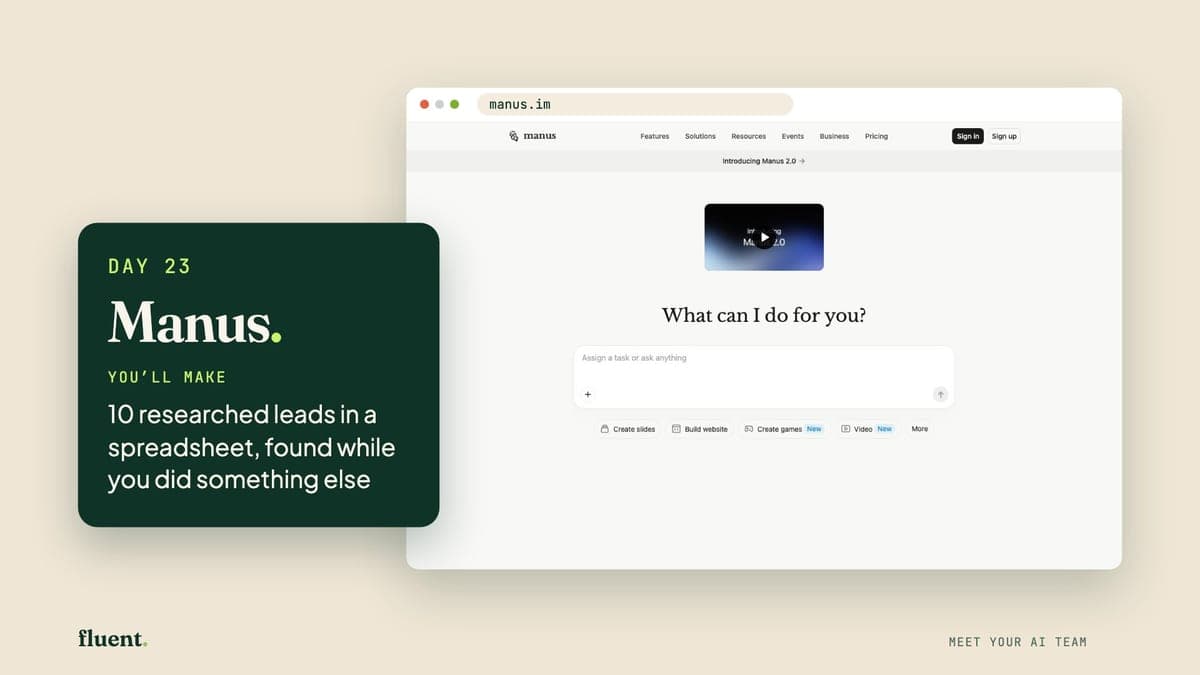
Day 23 · Delegate
Manus: your independent researcher
Manus is an AI agent: an AI you hand a whole job to. It plans the steps, searches the web, builds the file and reports back while you do something else.
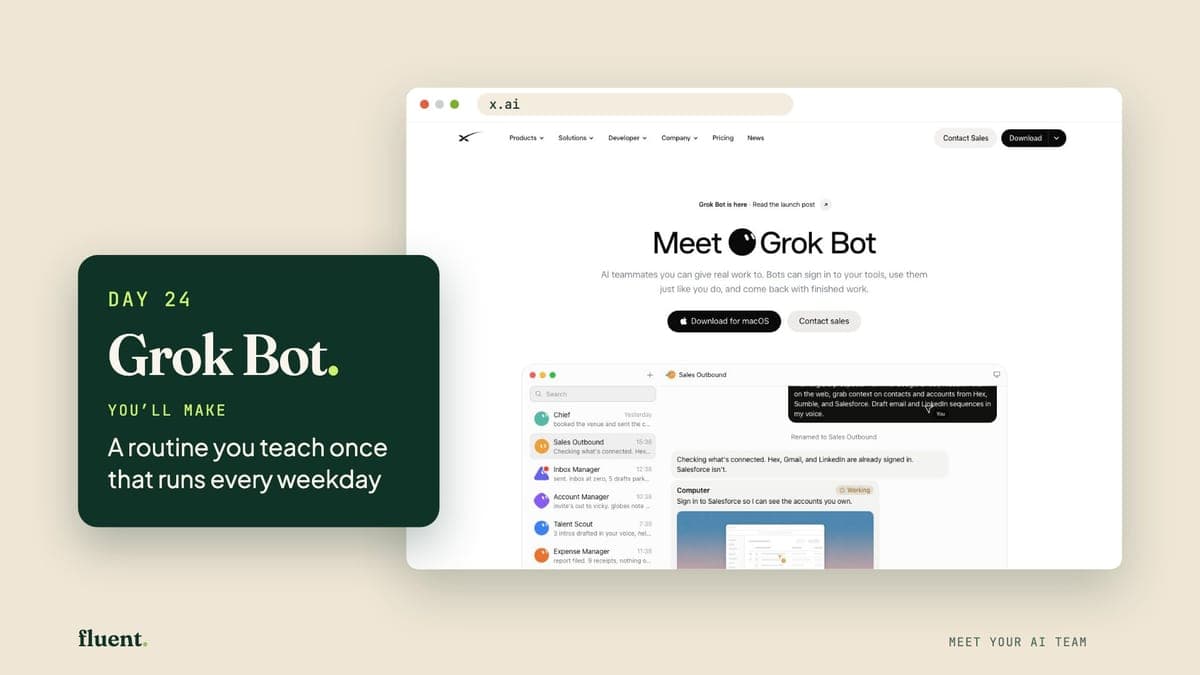
Day 24 · Delegate
Grok Bot: your always-on teammate
Grok Bot, from the makers of Grok, is an AI teammate with its own computer online. Tell it a task once, and it saves a routine that runs on a schedule.
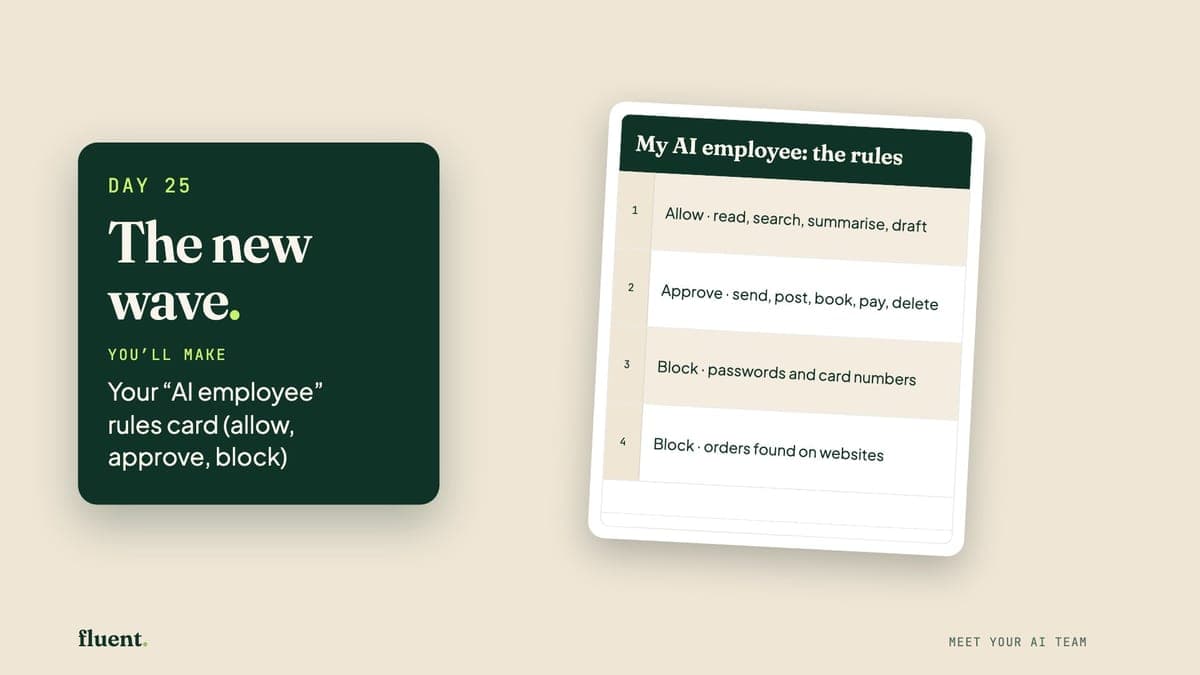
Day 25 · Delegate
The new wave: your future ai employees
The new wave is AI employees: AI that stays switched on and does whole jobs in your apps while you're busy. Some have a computer of their own online.
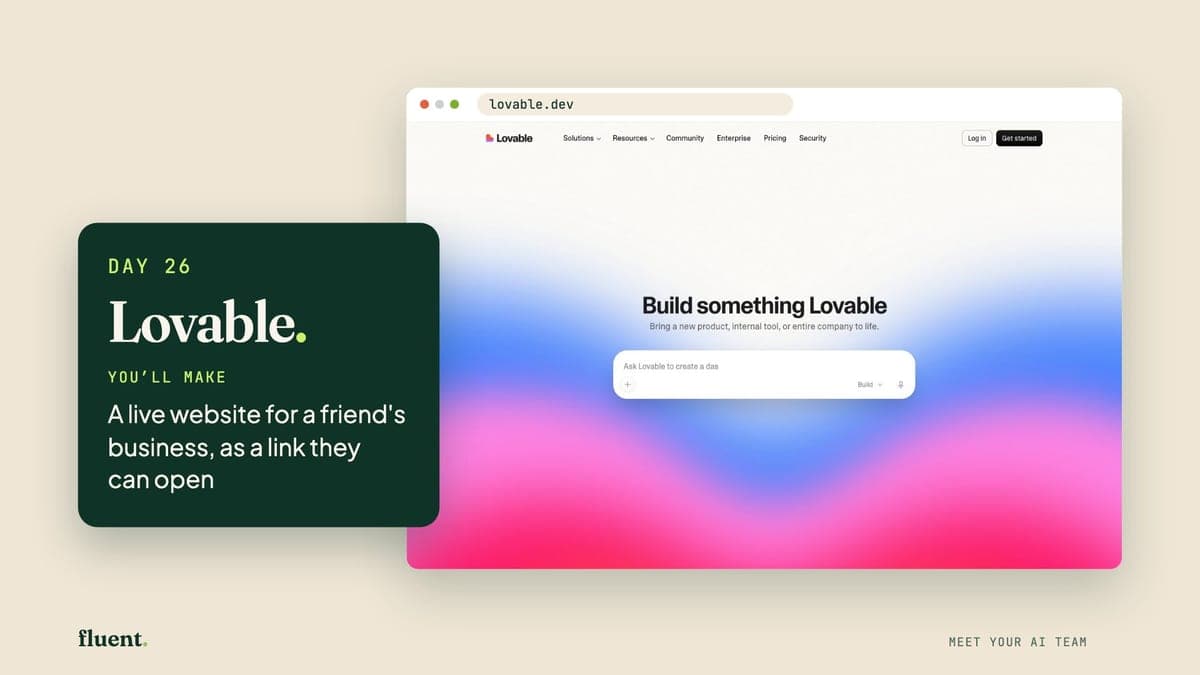
Day 26 · Build
Lovable: your website builder
Lovable is a website that builds websites. You describe one in plain words, it builds a real, working site, and you change it by asking.
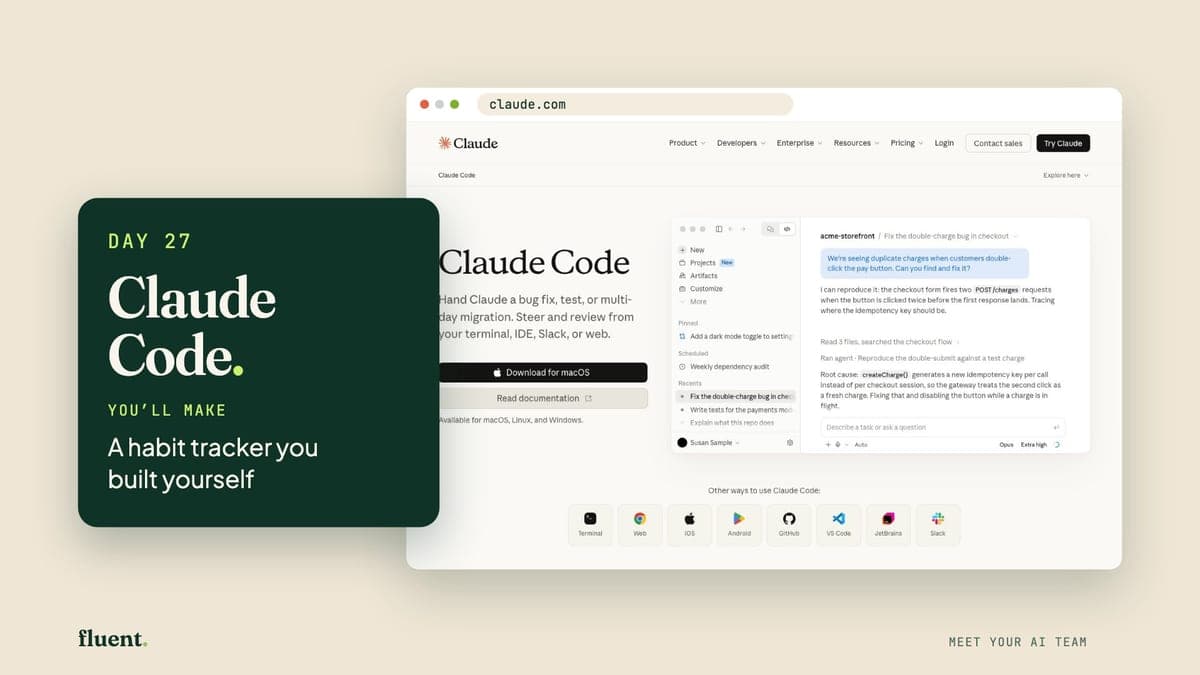
Day 27 · Build
Claude Code: your app builder
Claude Code is part of the Claude app for computers, from Anthropic. You pick a folder and describe what you want. It builds the files, and can ask before each change.
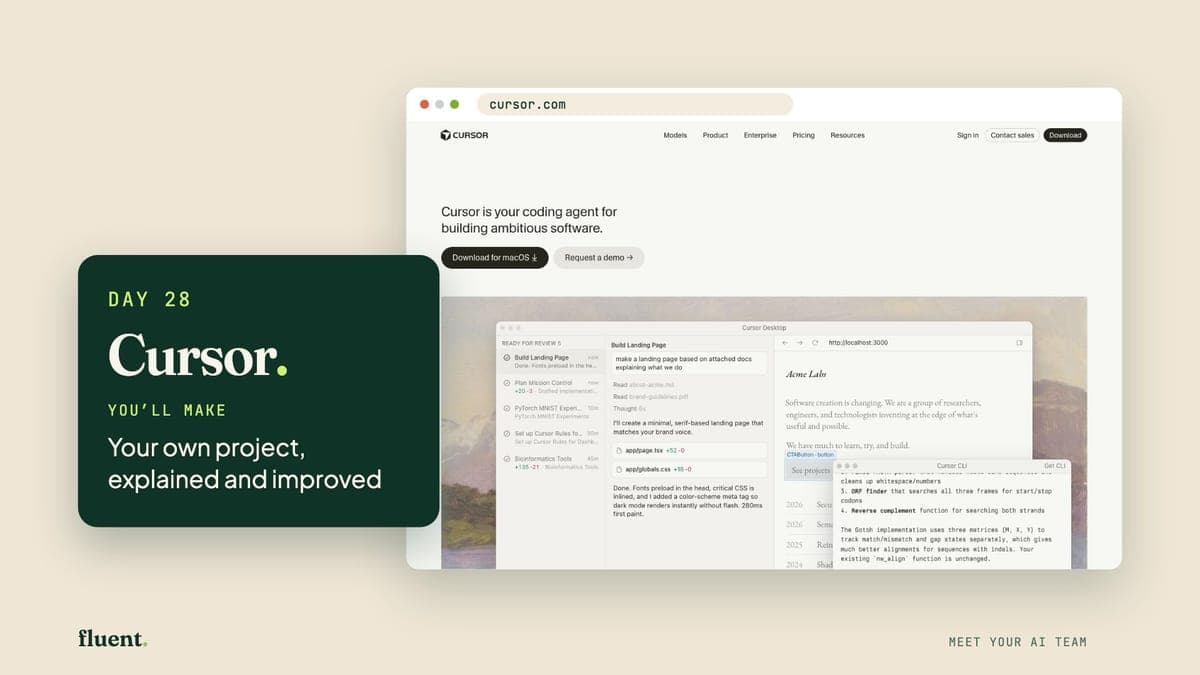
Day 28 · Build
Cursor: your code explainer
Cursor is a code editor with an AI agent built in. You open a project, which is a folder of files, and ask in plain words. It explains the files or changes them for you.
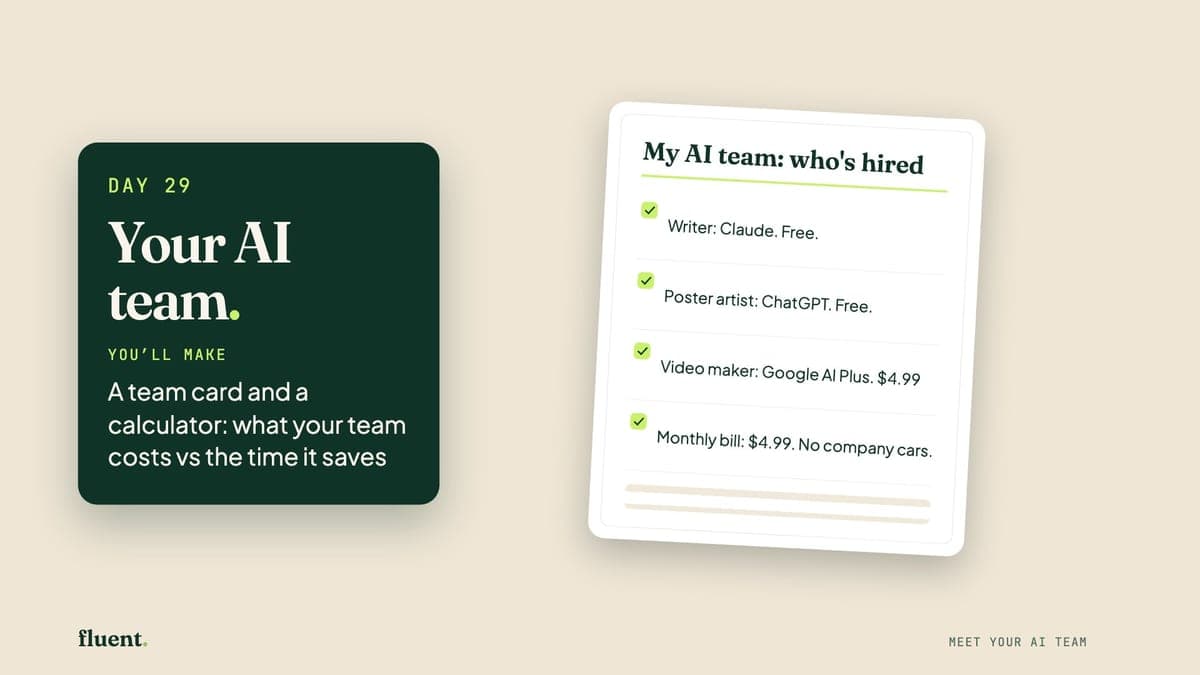
Day 29 · Graduation
Your AI team: you're the hiring manager
Your AI team is the short list of tools you'd keep using after this month, each with one job. Today you pick them and see what they cost.
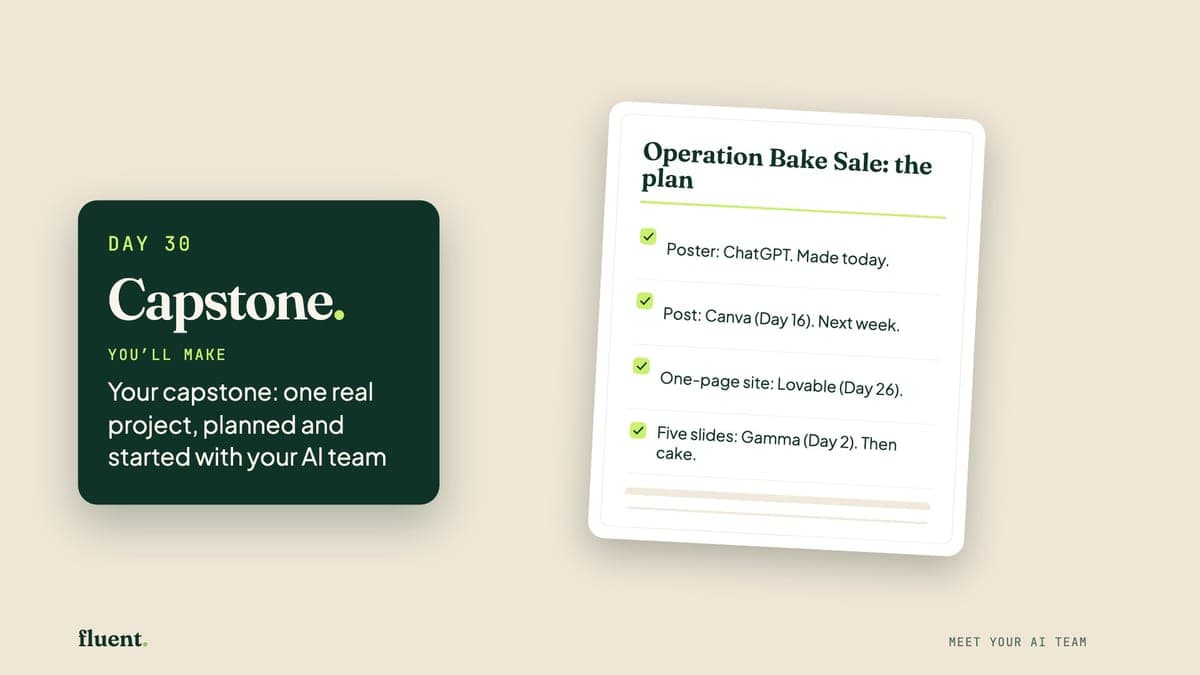
Day 30 · Graduation
Capstone: your whole team, on one job
A capstone is a final project: one real job of your own, done with tools you've already met. Today you choose it, plan it and make its first piece.
Some teammates do more than one job. ChatGPT, Claude, Gemini, Grok and Higgsfield each come back for another day, and Days 25, 29 and 30 bring the team together instead of adding a new tool. Every day tells you what it costs before you start, and $0 is enough to finish.
Try the first three freeThe 30 days
Three days, three things you didn't know you could make. Free.
Hover or tap a tool to see what you make with it.
Day 01 · Wow
ChatGPT Images: your poster artist
ChatGPT is a chat app from a company called OpenAI. It also makes pictures: you describe one in plain words, and it draws it.
Day 02 · Wow
Gamma: your slide-maker
Gamma is a website that makes slides. You describe your talk in a sentence or two, it shows you a plan, and then it builds the slides, pictures and all.
Day 03 · Wow
Wispr Flow: your hands-free typist
Wispr Flow is a dictation app. On an iPhone it adds a keyboard with a microphone: you talk, and it types your words into whatever you're writing, such as an email.
Songs, characters, video and voice. One tool per job.
Hover or tap a tool to see what you make with it.
Day 04 · Make
Suno: your songwriter
Suno is a website that makes songs. You describe a song in one sentence, and it writes the words, makes the music and sings it.
Day 05 · Make
Higgsfield Soul ID: your character studio
Soul ID is part of Higgsfield, a paid website for pictures and video. Give it 20 or more photos of one person and it makes a character: that person, ready to reuse.
Day 06 · Make
Gemini Omni: your photo animator
Gemini Omni is Google's video-maker. Give it a photo and a few plain words, and it makes a 10-second clip. It can add sound too. Today you'll use it inside Google Flow.
Day 07 · Make
Higgsfield Video: your advert crew
Higgsfield is the paid website from Day 5. Its Marketing Studio turns one product photo, or a link to a product page, into a short advert clip.
Day 08 · Make
HeyGen: your on-screen presenter
HeyGen makes videos of a person talking to the camera. You type the words, and an on-screen presenter, called an avatar, says them.
Day 09 · Make
Gemini Notebook: your document explainer
Gemini Notebook is a free Google tool for long documents. Give it a PDF and it answers questions about it, or turns it into a podcast: a radio-style chat you can play.
Day 10 · Make
ElevenLabs: your voice-over studio
ElevenLabs is an AI voice studio. You type words, choose a voice from its library, and it reads them out loud with the pauses and feeling of a real person.
Five thinking partners. Pick the one you'll open first.
Hover or tap a tool to see what you make with it.
Day 11 · Think
Claude: your thinking partner
Claude is an AI assistant from a company called Anthropic. It's good at thinking a problem through with you, then writing it up as a tidy page or a set of slides.
Day 12 · Think
ChatGPT: your all-round planner
ChatGPT is the AI assistant you met on Day 1. Today it plans and does the sums. Its answers can now include parts you tap and change, like a small calculator.
Day 13 · Think
Gemini: your inbox sorter
Gemini is Google's AI assistant. Because Google makes it, it can read your Gmail and answer questions about your email, once you say yes.
Day 14 · Think
Grok: your real-time scout
Grok is an AI assistant from a company called xAI. When you ask, it can search the web and the public posts on X, the social network once called Twitter.
Day 15 · Think
Perplexity: your research librarian
Perplexity is a search tool that answers in full sentences and puts links beside its claims, so you can see where a fact came from.
The quiet tools that win back hours.
Hover or tap a tool to see what you make with it.
Day 16 · Work
Canva AI: your graphic designer
Canva is a design website for posts, posters and notices. Canva AI is the helper inside it: you describe a design in plain words, and it makes one you can edit.
Day 17 · Work
Granola: your quiet note-taker
Granola is a note-taker for meetings. It listens through your laptop, writes down what's said and turns it into tidy notes. No extra name appears on the call.
Day 18 · Work
Fireflies: your team's call recorder
Fireflies records your calls and writes them up. Its notetaker joins a Zoom, Google Meet or Teams call as a guest, then gives you a transcript you can search by word.
Day 19 · Work
Notion: your personal organiser
Notion is a website for notes and lists. You fill its pages the way you'd fill a notebook, and its built-in AI can write a first version of a page for you.
Day 20 · Work
ClickUp: your project coordinator
ClickUp is a website for running a project: every job in one list, with who does it and by when. ClickUp says its built-in AI, called Brain, can write that list for you.
Day 21 · Work
Skills: your ai team's handbook
Skills are short text files that teach an AI assistant how you like a job done. No single company owns the format, so one skill can be used in Claude, Gemini and more.
AI that works for you while you do something else.
Hover or tap a tool to see what you make with it.
Day 22 · Delegate
Claude tasks: your monday morning briefer
Claude tasks are jobs you give Claude, the assistant from Day 11, on a timetable. You describe the job once in a normal chat, and Claude repeats it at the time you set.
Day 23 · Delegate
Manus: your independent researcher
Manus is an AI agent: an AI you hand a whole job to. It plans the steps, searches the web, builds the file and reports back while you do something else.
Day 24 · Delegate
Grok Bot: your always-on teammate
Grok Bot, from the makers of Grok, is an AI teammate with its own computer online. Tell it a task once, and it saves a routine that runs on a schedule.
Day 25 · Delegate
The new wave: your future ai employees
The new wave is AI employees: AI that stays switched on and does whole jobs in your apps while you're busy. Some have a computer of their own online.
Describe a website or app. Watch it appear.
Hover or tap a tool to see what you make with it.
Day 26 · Build
Lovable: your website builder
Lovable is a website that builds websites. You describe one in plain words, it builds a real, working site, and you change it by asking.
Day 27 · Build
Claude Code: your app builder
Claude Code is part of the Claude app for computers, from Anthropic. You pick a folder and describe what you want. It builds the files, and can ask before each change.
Day 28 · Build
Cursor: your code explainer
Cursor is a code editor with an AI agent built in. You open a project, which is a folder of files, and ask in plain words. It explains the files or changes them for you.
Put your team together and show what it can do.
Hover or tap a tool to see what you make with it.
Day 29 · Graduation
Your AI team: you're the hiring manager
Your AI team is the short list of tools you'd keep using after this month, each with one job. Today you pick them and see what they cost.
Day 30 · Graduation
Capstone: your whole team, on one job
A capstone is a final project: one real job of your own, done with tools you've already met. Today you choose it, plan it and make its first piece.
Some teammates do more than one job. ChatGPT, Claude, Gemini, Grok and Higgsfield each come back for another day, and Days 25, 29 and 30 bring the team together instead of adding a new tool. Every day tells you what it costs before you start, and $0 is enough to finish.
Try the first three freeDay 01 · ChatGPT Images
FreeOne photo and one paragraph. Your face, a big title and a tagline about your week.
Day 03 · Wispr Flow
FreeYou speak, the words appear, you read it through and send it.
Day 04 · Suno
FreeOne sentence in. A whole song out, singer and all.
Day 13 · Gemini
Free, with limitsIt lists the emails that need you first and drafts one reply. You send it yourself.
Day 17 · Granola
FreeIt listens on your computer, then writes the main points, a checklist and a follow-up message.
Day 26 · Lovable
Free, with limitsDescribe it in plain words. It goes live with its own link, and you write no code.
Each picture is that day's lesson cover. The show-off is the thing you make.
“Personalised” usually means a quiz, then the same course for everyone. Here it means something you can check: your name, your job and your town are already written into every prompt.
Three answers are enough to start. All 120 prompts can use what you tell us, and you can change or delete any answer in Settings, any time.
Day 1 prompt, made for Carol
Turn this photo of me into a movie poster for a fun adventure film. I'm the hero. My name: Carol. My job: operations manager. My city: Leeds. Add a big, exciting title, a short funny tagline about my job, and “Starring Carol” at the top. Keep my face looking like me. Spell every word correctly.
Carol is made up. Yours fills in from three questions.
Day 1 prompt, made for Sofia
Turn this photo of me into a movie poster for a fun adventure film. I'm the hero. My name: Sofia. My job: nurse. My city: Lisbon. Add a big, exciting title, a short funny tagline about my job, and “Starring Sofia” at the top. Keep my face looking like me. Spell every word correctly.
Sofia is made up. Yours fills in from three questions.
Day 1 prompt, made for Ben
Turn this photo of me into a movie poster for a fun adventure film. I'm the hero. My name: Ben. My job: bike mechanic. My city: Cardiff. Add a big, exciting title, a short funny tagline about my job, and “Starring Ben” at the top. Keep my face looking like me. Spell every word correctly.
Ben is made up. Yours fills in from three questions.

Fluent is new. Join in the founding month and you're a founding member, with your price locked for life.
The Honest Pledge
The price
US$99 a month after the founding month
US$39a month
3 days free · cancel any time
Founding price · locked for life
US$749 a year after the founding month
US$299a year
About US$24.92 a month · 3 days free
No. $0 is enough to finish all 30 days. Twelve days run on a tool's free plan, 13 are free with a limit, and 5 use a paid tool but give you a free route that still ends in a show-off. Each day tells you what it needs before you start. If you choose to pay for a tool, the starting plans we mention cost from about $5 to $30 a month (US prices, checked 12–13 Oct 2026; check the maker's page for today's price).
Days 1 to 3 are free, with no card. When you begin Day 4, your membership starts with a 3-day free trial and we ask for a card. We email you 24 hours before the trial ends. Cancel before then, in two clicks, and you're never charged. If you're charged and wish you hadn't been: Charged and wish you hadn't been? Ask within 14 days of any charge and you get that charge back. No questions.
Mostly. Days 1 to 3 work on a phone. Of all 30 days, 13 are made for a phone or work on either. The other 17 are easier on a computer, and each one gives you a route for a phone. Day 3 is written for an iPhone; on Android, its plan B uses your phone's own dictation, and it counts.
About 15 minutes. Our beginner testers ran a minute or two over on a phone, so give yourself 20 the first time. There's no timer: the next day opens when you finish, whenever that is.
No. You copy, paste and tap. Every new word is explained the first time it appears. On Days 26 to 28 you build a website and a small app by describing them, without writing code.
Three questions, then a movie poster starring you. About 15 minutes. Free.
Start freeDays 1 to 3 free, no card · then US$39 a month or US$299 a year, 3 days free · cancel in two clicks

